Are you looking for VPN extensions for Google Chrome? Let’s find out the best VPN Chrome extensions you can use in 2026. These tools help you browse safely, protect your privacy, and enjoy a secure internet experience. Online activity today leaves behind more data than most people realize.
Whether you are streaming, working remotely, or simply browsing on public WiFi, protecting that data has become part of everyday internet use. VPN extensions make this protection simple, especially for users of Google Chrome. They are quick to install, easy to manage, and ideal for securing browser traffic without configuring full device VPN apps.
In this blog post, we will explore the 10 best Chrome VPN extensions you should use in 2026 to browse safely, protect your privacy, and enjoy a faster and more secure internet experience. For more information, you can visit our website homepage: TechTube.
Key Takeaways
- Purpose: VPN extensions secure browser traffic and protect your IP address.
- Features: Look for encryption, leak protection, and ad blockers.
- Benefits: VPN provides access to blocked content for all browsers and better privacy.
- Selection: Choose based on speed, server locations, and logging policy.
- Use: Best for browsing and public WiFi protection.
What Is a VPN Extension for Chrome?
A VPN extension is a lightweight tool that runs inside your browser rather than across your entire device. It encrypts your browser traffic and routes it through secure servers in different countries. This allows you to browse privately, avoid tracking, and access content that may not be available in your region.
Unlike full VPN apps, extensions are faster to use and consume fewer resources, making them a practical option for everyday browsing.
Why Use a VPN Extension on Chrome?
Using a VPN extension adds a protective layer to your browsing without complicating your setup. It is particularly useful in regions where access to certain websites or services may be restricted.
Here is what makes them valuable:
- Privacy: Your IP address stays hidden from websites and trackers.
- Security: Data is encrypted, especially useful on public networks.
- Access: You can bypass geo restrictions on streaming and websites.
- Convenience: Easy one-click activation inside your browser.
Top 10 VPN Extensions for Chrome in 2026
Below is a refined list based on performance, features, reliability, and global usability.
1. NordVPN
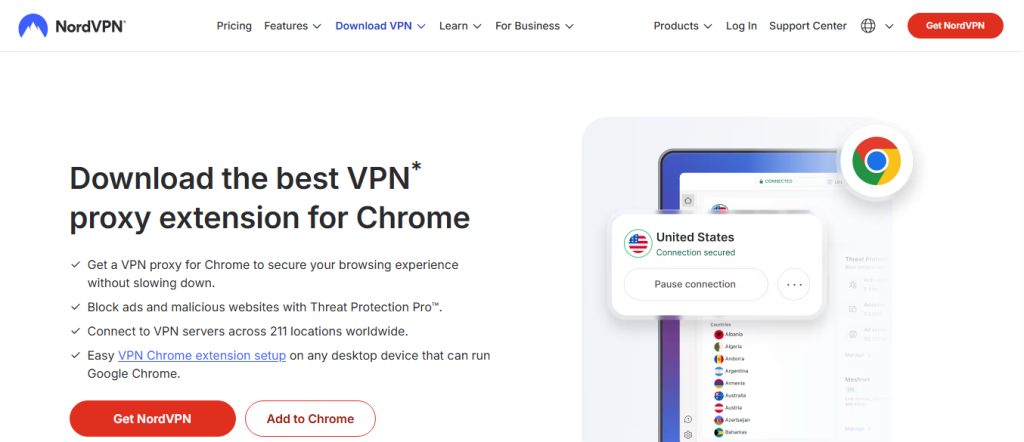
NordVPN Chrome extension is a simple tool that helps protect your online privacy while browsing. It lets you connect to secure servers, hide your IP address, and browse safely with one click. It is easy to use and works directly inside your Google Chrome browser.
Key Features:
- Servers: 5800+ servers in 60 countries
- Security: WebRTC leak protection and AES 256 encryption
- Privacy: Strict no logs policy
- Extras: Threat Protection Lite and ad blocking
2. ExpressVPN
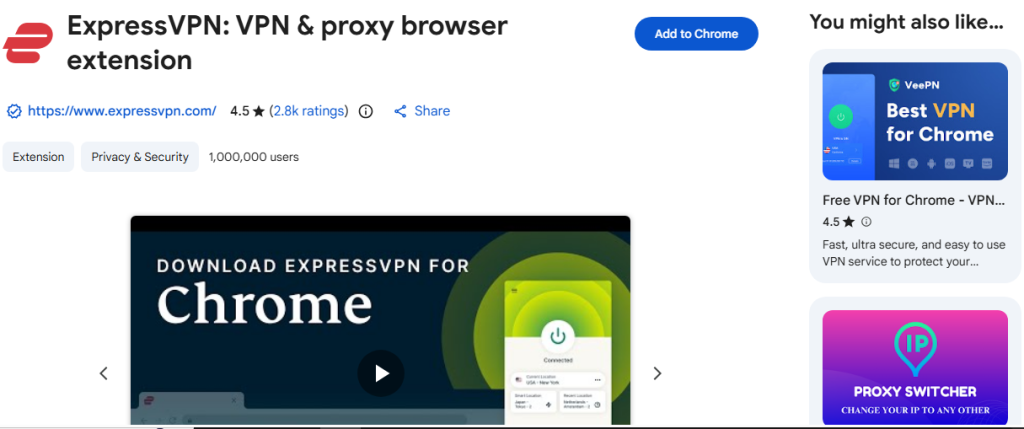
ExpressVPN Chrome extension is an easy tool that helps keep your browsing private and secure. It lets you connect quickly, hide your IP address, and access websites safely with one click. It works smoothly inside your Google Chrome browser.
- Key Features:
- Servers: 3000+ servers in 105 countries
- Technology: TrustedServer system
- Security: AES 256 encryption
- Extras: Geolocation spoofing and kill switch
3. Surfshark VPN
Surfshark Chrome extension is a simple tool that helps protect your online privacy while browsing. It lets you connect fast, hide your IP address, and browse safely with one click. It works easily inside your Google Chrome browser.
Key Features:
- Connections: Unlimited devices
- Security: MultiHop and Camouflage Mode
- Extras: CleanWeb ad blocker
- Coverage: 100+ countries
4. CyberGhost VPN
CyberGhost VPN Chrome extension is a simple tool that helps keep your browsing private and secure. It allows you to connect quickly, hide your IP address, and browse safely with one click. It works smoothly inside your Google Chrome browser.
Key Features:
- Access: Free servers in multiple regions
- Ease: One-click connection
- Privacy: No account required
- Tools: Anti-tracking features
5. ProtonVPN
Proton VPN Chrome extension is a simple tool that helps protect your privacy while browsing online. It lets you connect securely, hide your IP address, and browse safely with one click. It works easily inside your Google Chrome browser.
Key Features:
- Security: Secure Core architecture
- Transparency: Open source and audited
- Protection: DNS leak prevention
- Plan: Free tier available
6. Windscribe VPN

Windscribe Chrome extension is a simple tool that helps keep your browsing private and secure. It lets you connect quickly, hide your IP address, and browse safely with one click. It works smoothly inside your Google Chrome browser.
Key Features:
- Free Data: 10GB monthly
- Tools: Ad and tracker blocker
- Extras: Time zone spoofing
- Control: Split tunneling
7. TunnelBear Chrome Extension
TunnelBear Chrome extension is a simple tool that helps protect your privacy while browsing online. It lets you connect securely, hide your IP address, and browse safely with one click. It works easily inside your Google Chrome browser.
Key Features:
- Interface: Simple and clean
- Servers: 47 locations
- Security: GhostBear mode
- Limit: 500MB free monthly
8. Private Internet Access
Private Internet Access Chrome extension is a simple tool that helps keep your browsing private and secure. It lets you connect quickly, hide your IP address, and browse safely with one click. It works smoothly inside your Google Chrome browser.
Key Features:
- Servers: Thousands in 90+ countries
- Security: MACE ad blocker
- Control: Port forwarding
- Extras: HTTPS enforcement
9. Atlas VPN
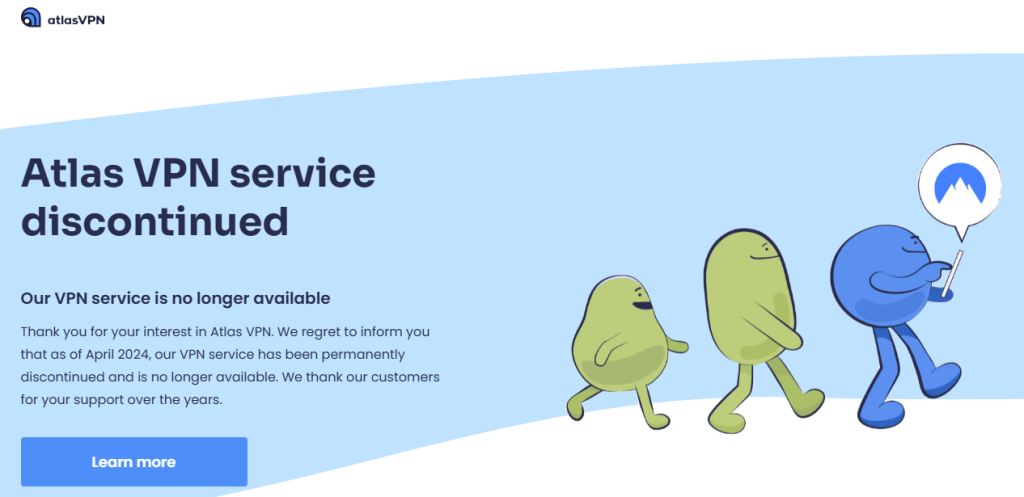
Atlas VPN Chrome extension is a simple tool that helps protect your privacy while browsing online. It lets you connect quickly, hide your IP address, and stay safe with one click. It works easily inside your Google Chrome browser.
Key Features:
- Speed: Optimized streaming servers
- Security: AES 256 encryption
- Extras: Data breach monitoring
- Plan: Free version available
10. Hide.me

Hide.me VPN Chrome extension is a simple tool that helps keep your browsing private and secure. It lets you connect quickly, hide your IP address, and browse safely with one click. It works smoothly inside your Google Chrome browser.
Key Features:
- Privacy: No logging policy
- Security: IP leak protection
- Access: Multiple free locations
- Ease: Quick server switching
How to Choose the Best VPN Extension for Chrome
Choosing the best VPN extension for Chrome depends on your needs. If you want privacy, choose one with strong encryption, leak protection, and a no-logs policy. For streaming, fast speed and stable connections are important.
You should also check server locations, as more servers give better access and speed. Free VPNs have limits, while paid VPNs offer better security and performance. Always choose a trusted VPN that matches your budget and usage.
FAQs?
Which VPN extension is best for Chrome in 2026?
NordVPN and ExpressVPN are widely considered the best due to their speed, security, and reliability across regions.
Are free VPN Chrome extensions safe to use?
Some are safe, like ProtonVPN and Windscribe, but many free options have limitations or weaker privacy protections.
Can a VPN extension unblock streaming services?
Yes, premium VPNs like ExpressVPN and Surfshark are effective at bypassing geo-restrictions on platforms like Netflix.
Do VPN extensions slow down browsing?
There may be a slight speed drop, but top VPNs are optimized to keep browsing smooth and fast.
Final Thoughts
VPN extensions have become a practical solution for everyday browsing security. They are quick to install, simple to use, and effective for protecting your data online. Whether you prefer the reliability of NordVPN or the affordability of Surfshark, the right choice depends on your needs.
Choosing a trusted VPN extension ensures safer browsing, better access to content, and more control over your online privacy in 2026.