Face-swap workflows have shifted noticeably away from heavy desktop setups toward faster web tools, creative suites, and more flexible pipelines. Creators, marketers, and everyday users increasingly want tools that handle lighting, expressions, and motion cleanly without requiring complicated installations. While older household names still appear in searches, a wave of rising platforms is gaining traction by pairing face swap with broader creative workflows, browser convenience, or local control.
In this guide, we look at 6 rising face swap tools gaining momentum right now, focusing on how they fit different workflows, what trade-offs they carry, and how to handle privacy, consent, and post-processing cleanly before publishing.
How We Selected These 6 Rising Tools
To keep this roundup practical and indexable for readers looking for current options, each tool was evaluated against four criteria:
- Fresh Momentum: Active platforms seeing growing creator and search attention rather than only relying on legacy name recognition.
- Workflow Fit: How well the tool supports real creative tasks such as campaign variations, short clips, group shots, or quick browser edits.
- Transparent Trade-Offs: Clear visibility into free tiers, credit limits, watermarks, or hardware requirements.
- Privacy & Responsible Use: Clarity around data handling, consent rules, and safe publishing practices.
6 Rising Face Swap Tools to Watch
Below are the 6 best Face Swap Tools in 2026
1. Magic Hour
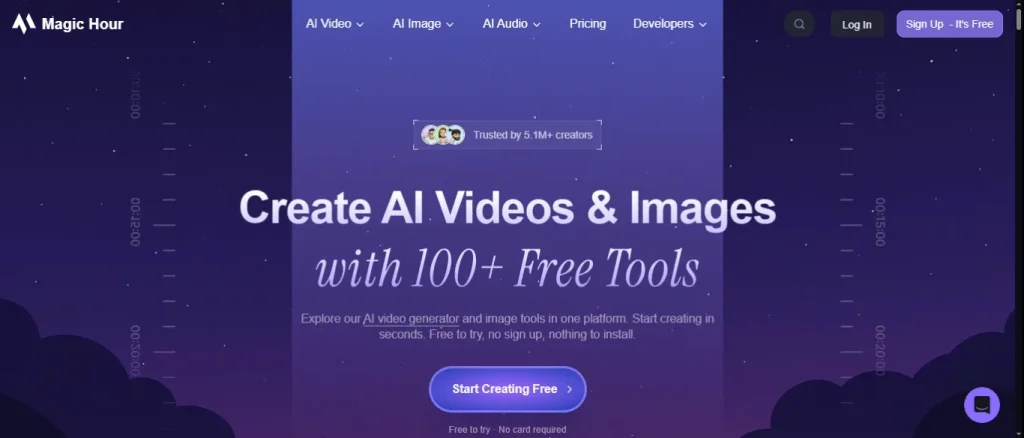
Magic Hour is a browser-based creative tool for quick face swaps across photos, videos, and GIFs, plus related media features.
- Best For: Creators and teams combining face swap with video, GIF, and lip-sync workflows.
- Key Highlights: Supports face swapping across photos, videos, and GIFs in a web workflow, plus lip-sync and talking photos; offers watermark-free photo swaps on its free allowance, and requires no credit card to start testing.
- Limitations to Keep in Mind: Video and GIF swaps on the free tier carry a watermark, processing times vary with complexity, and heavier usage relies on credits or paid plans.
2. Luma AI

Luma AI brings image face swapping into a broader visual and video creation workflow, built to preserve pose, lighting, and scene consistency.
- Best For: Creative teams pairing still-image face swaps with video generation and campaign assets.
- Key Highlights: Connects image face swapping aimed at preserving pose, lighting, and composition with creative video tools and layered editing so teams can iterate on visuals efficiently.
- Limitations to Keep in Mind: Its face swap capability focuses on image-based replacement rather than swapping faces directly inside existing videos.
3. Mage

Mage is a browser-based creative suite that combines face swap with image and video editing tools under a privacy-minded workflow.
- Best For: Browser users who want face swap inside a broader image and video editing stack.
- Key Highlights: Integrates face swap into a web editing environment alongside character, outfit, and editing tools, offering a free tier and watermark-free output with explicit rules against non-consensual deepfakes.
- Limitations to Keep in Mind: Higher volume and unlimited swaps require paid monthly plans, and free-tier allowances have usage limits.
4. Vidnoz

Vidnoz offers a web-based face swap option inside a broader video creation platform, notable for handling multiple faces in a single scene.
- Best For: Multi-face swaps and group shots on a web-based platform.
- Key Highlights: Packages face swap inside a wider web video platform and stands out for supporting multiple faces in a single swap with a comparatively generous free tier before paid plans kick in.
- Limitations to Keep in Mind: Requires a web account, and expanding beyond free multi-face allowances moves into paid tiers starting around $10/month.
5. Remaker AI
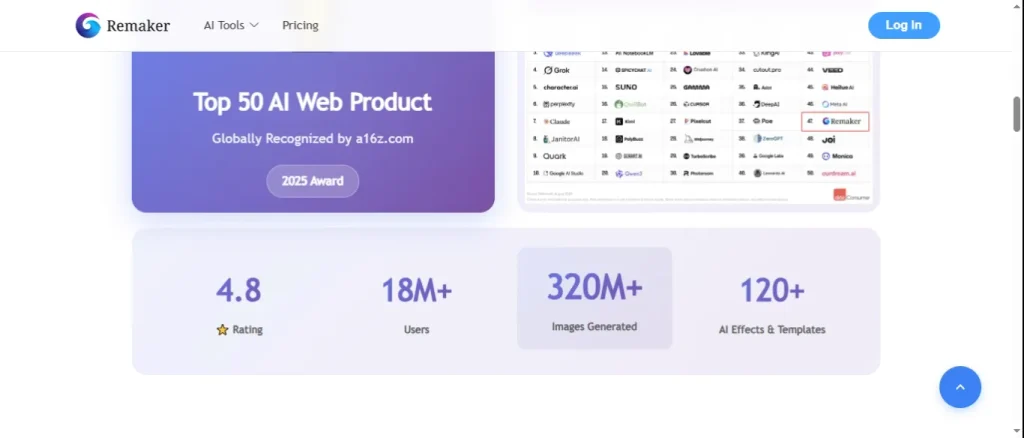
Remaker AI is a lightweight browser tool built for fast, straightforward photo face swaps without heavy setup or long-term commitments.
- Best For: Quick, low-friction browser photo swaps without committing to a heavy subscription.
- Key Highlights: Provides a fast, straightforward browser experience for casual creators, offering a small free tier alongside low-cost credit packs for occasional projects.
- Limitations to Keep in Mind: Tricky angles such as side profiles, extreme close-ups, or partially obscured faces can look softer than straight-on portraits, and ongoing edits require credits.
6. FaceFusion
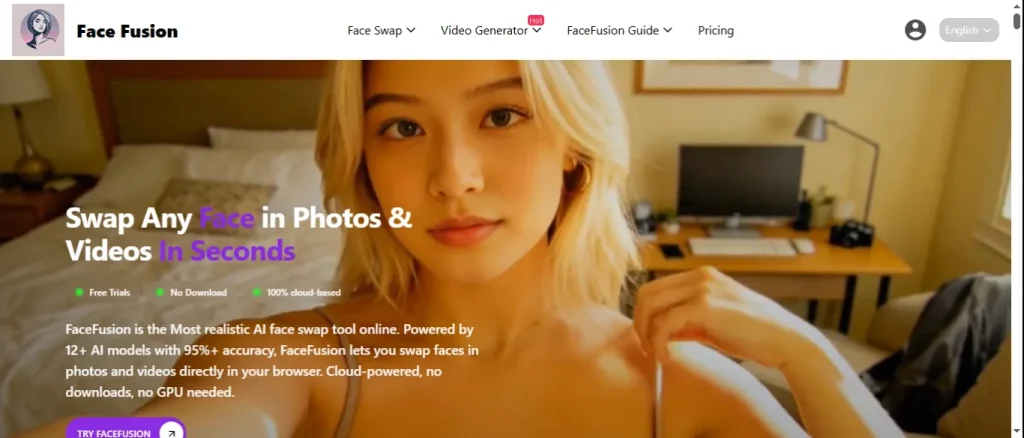
FaceFusion is an open-source, locally run face swap tool suited for users who want full control over settings and on-device processing.
- Best For: Users who prioritize local processing and full privacy control on their own hardware.
- Key Highlights: Runs locally on your own machine to keep files off external servers and gives technical users granular control over parameters without subscription fees.
- Limitations to Keep in Mind: It is not a one-click browser tool; it requires technical setup and capable hardware (such as a strong GPU) to run smoothly.
Quick Comparison Snapshot
| Tool | Primary Format | Standout Strength | Main Limitation to Check |
| Magic Hour | Web | Photo, video & GIF workflow + lip sync | Watermarks on free video/GIF; credit system |
| Luma AI | Web | Image face swap paired with video/campaign tools | Image-focused swap rather than direct video swap |
| Mage | Web | Full browser image/video stack + watermark-free tier | Free tier limits; paid tiers for higher volume |
| Vidnoz | Web | Handles multiple faces at once with a strong free tier | Account needed; paid plans for higher limits |
| Remaker AI | Web | Fast browser swaps & small credit packs | Softer results on difficult angles; credit-based |
| FaceFusion | Local (Open-Source) | 100% local privacy & full parameter control | Requires setup and capable GPU hardware |
Prepping Exported Images for Web & Social Use
Once you export a face-swapped image, the raw file is rarely ready to drop straight into a blog post, landing page, or social feed. Oversized exports can slow down page loads, while mismatched dimensions can cause awkward cropping or stretching.
A quick post-processing step in the browser keeps your pages fast and clean:
- Use TechTube Image Resizer to set exact pixel dimensions and aspect ratios so visuals fit your layout cleanly.
- Use TechTube Image Compressor to trim file size before uploading, helping pages load faster while keeping visual clarity intact.
Responsible Use, Consent, and Privacy Basics
Because face swap tools work directly with human likenesses, responsible habits are essential:
- Get Explicit Consent: Always have clear permission from anyone whose face or photo you use. Never create non-consensual edits, harassment, or deceptive impersonations.
- Avoid Misleading Context: Do not present edited or synthetic images as unedited reality, especially in news, commentary, or public claims.
- Mind Data & Privacy: Read each platform’s privacy and retention policy before uploading photos, avoid uploading sensitive or confidential images to third-party servers, and consider local tools like FaceFusion if strict data isolation is required.
Frequently Asked Questions
Are rising face swap tools free to try?
Many platforms offer a free tier, trial credits, or basic previews, while higher resolution exports, longer clips, or heavier workflows typically require credits or a subscription. Always check current terms on each tool’s website before starting a project.
What helps a face swap look more natural?
Consistent lighting direction, matching head angles, and clear source photos without heavy motion blur make the biggest difference. Straight-on or closely matched angles usually blend far better than extreme side profiles or low-resolution images.
How can I keep my website fast after generating edited images?
Resize exported images to the exact dimensions your page layout needs, and compress them before publishing so visitors do not have to download heavy files.
Final Words
The best face swap tool depends less on hype and more on how well it fits your actual workflow, budget, and privacy standards. Start by testing a couple of options on clear, well-lit inputs, respect consent and transparency rules every time, and finish your web exports with proper resizing and compression before hitting publish.